

1
Select your container
Go to Magic Containers and select the container you want to undeploy.
2
Open the menu
Click the menu icon (three dots) on the right side of the screen and click Undeploy.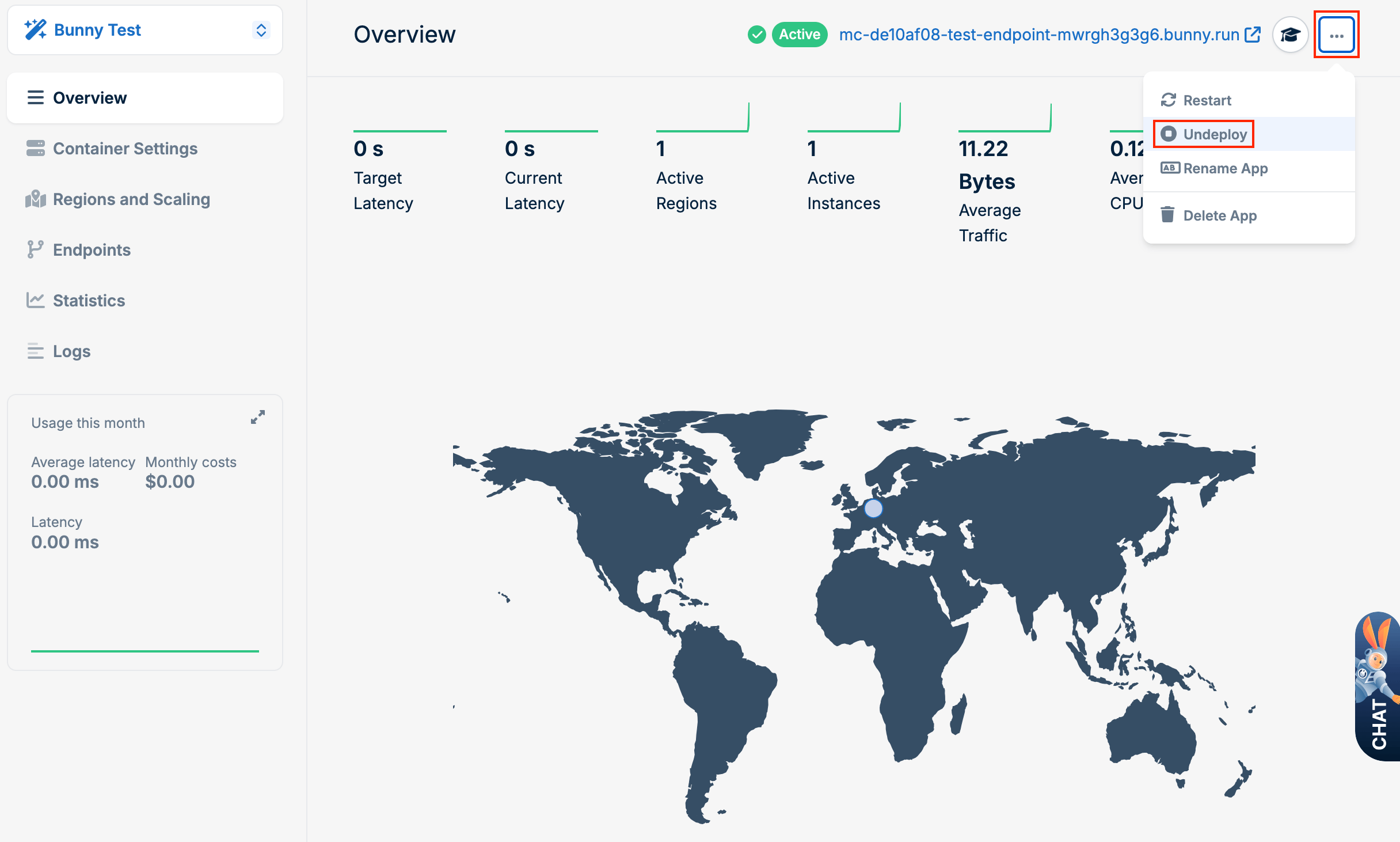
3
Confirm
Click Undeploy to confirm.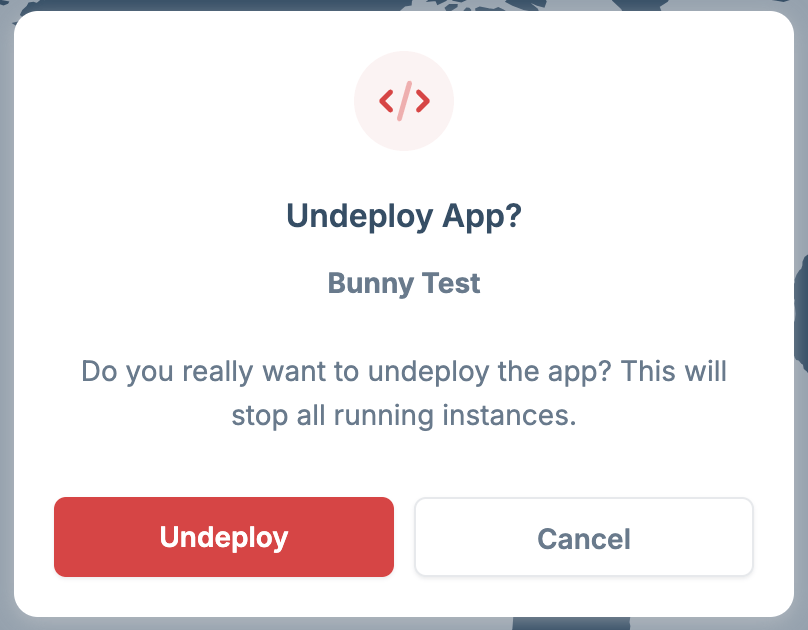
Temporarily stop a running container without deleting it.
Select your container
Open the menu
Confirm