Getting a video onto your own page takes three steps in the dashboard: create a library, upload the file, and copy the embed code. You need a bunny.net account and a video file.

Create a video library

A video library holds your videos along with their player, encoding, and security settings.
1

Open Stream

In the dashboard, go to Delivery > Stream and click Create Your first Video Library.
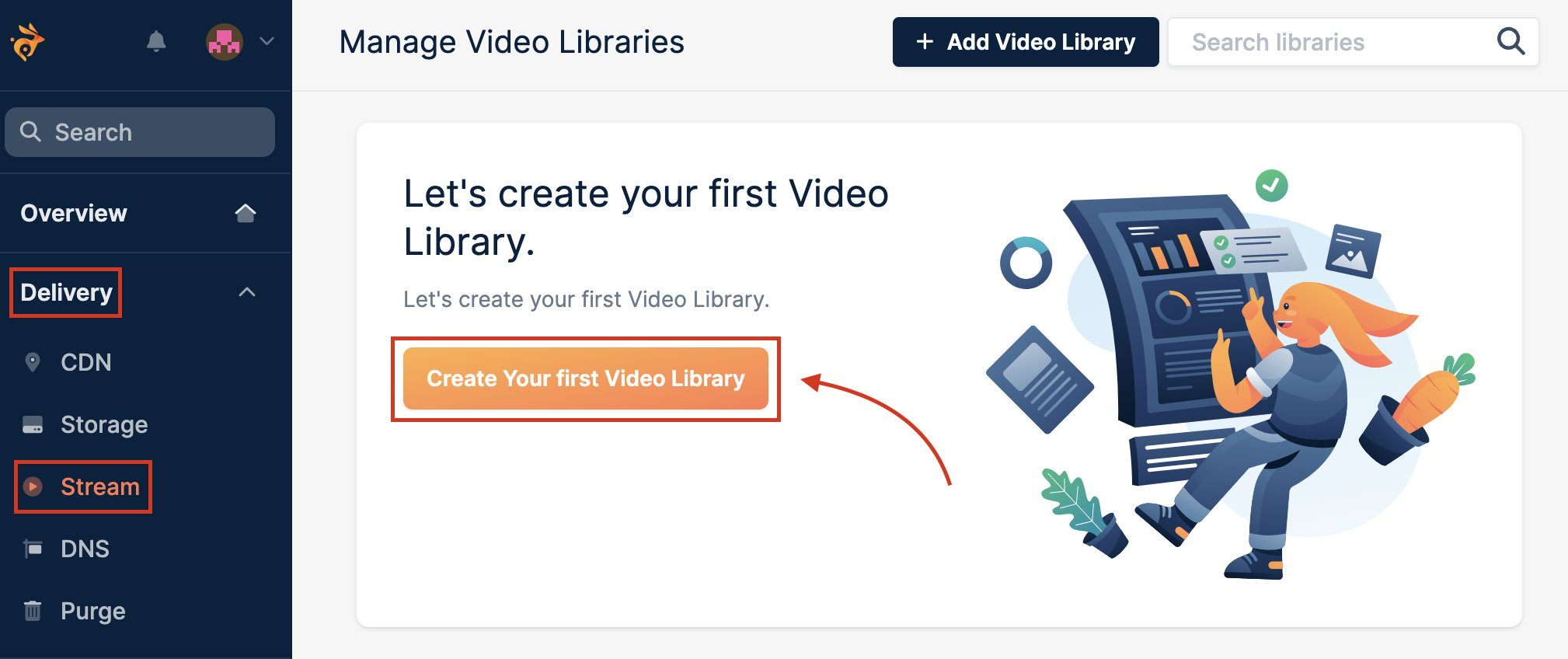
Stream page in the dashboard with the Create Your first Video Library button highlighted
2

Name the library

Enter a name you’ll recognise in the dashboard.
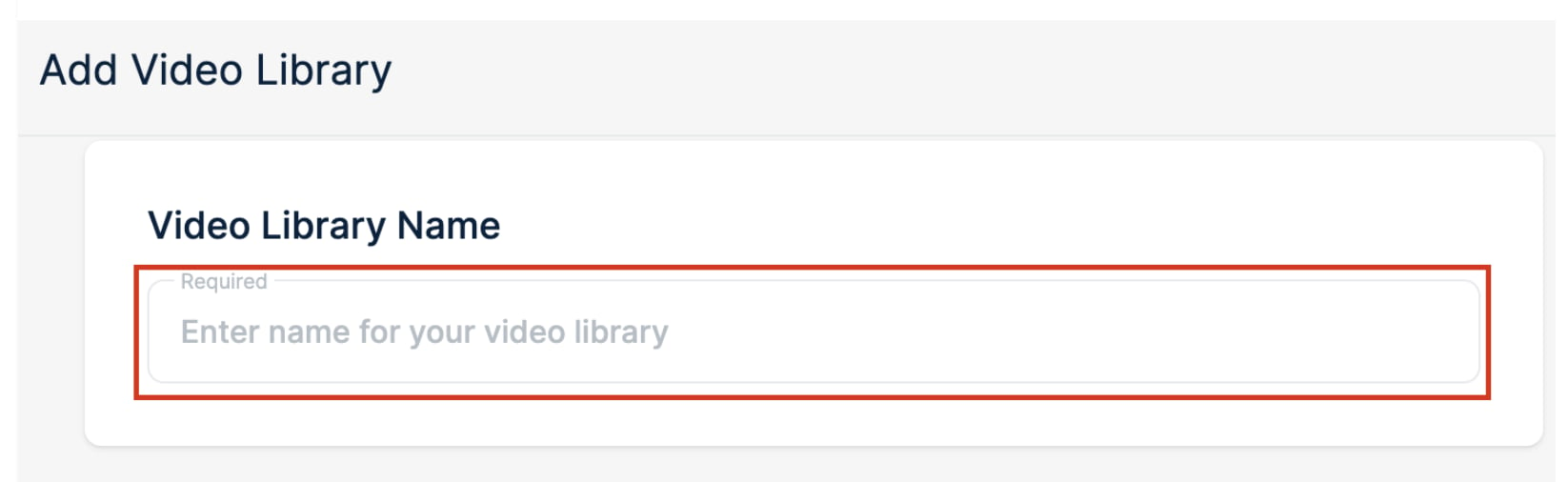
Video Library Name field on the Add Video Library page
3

Choose storage regions

We replicate your videos to every region you enable. Pick at least two to keep a copy if one region has a hardware failure, and one per continent where your viewers are for the fastest uncached delivery.
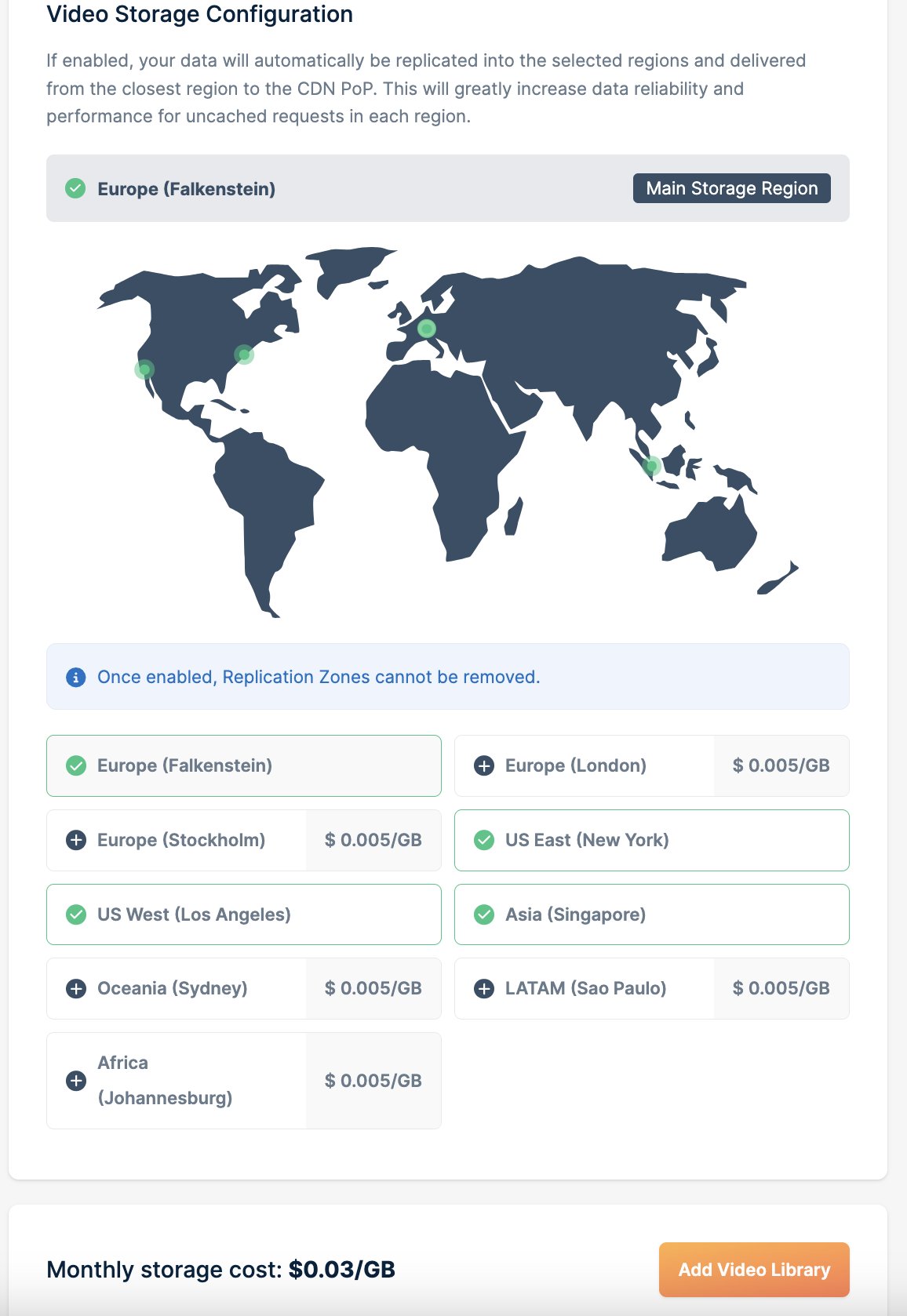
Video Storage Configuration with a map and a list of storage regions
Replication regions can’t be removed once they’re enabled.
4

Create it

Click Add Video Library.

Upload a video

1

Open the uploader

In your new library, click Upload a Video.
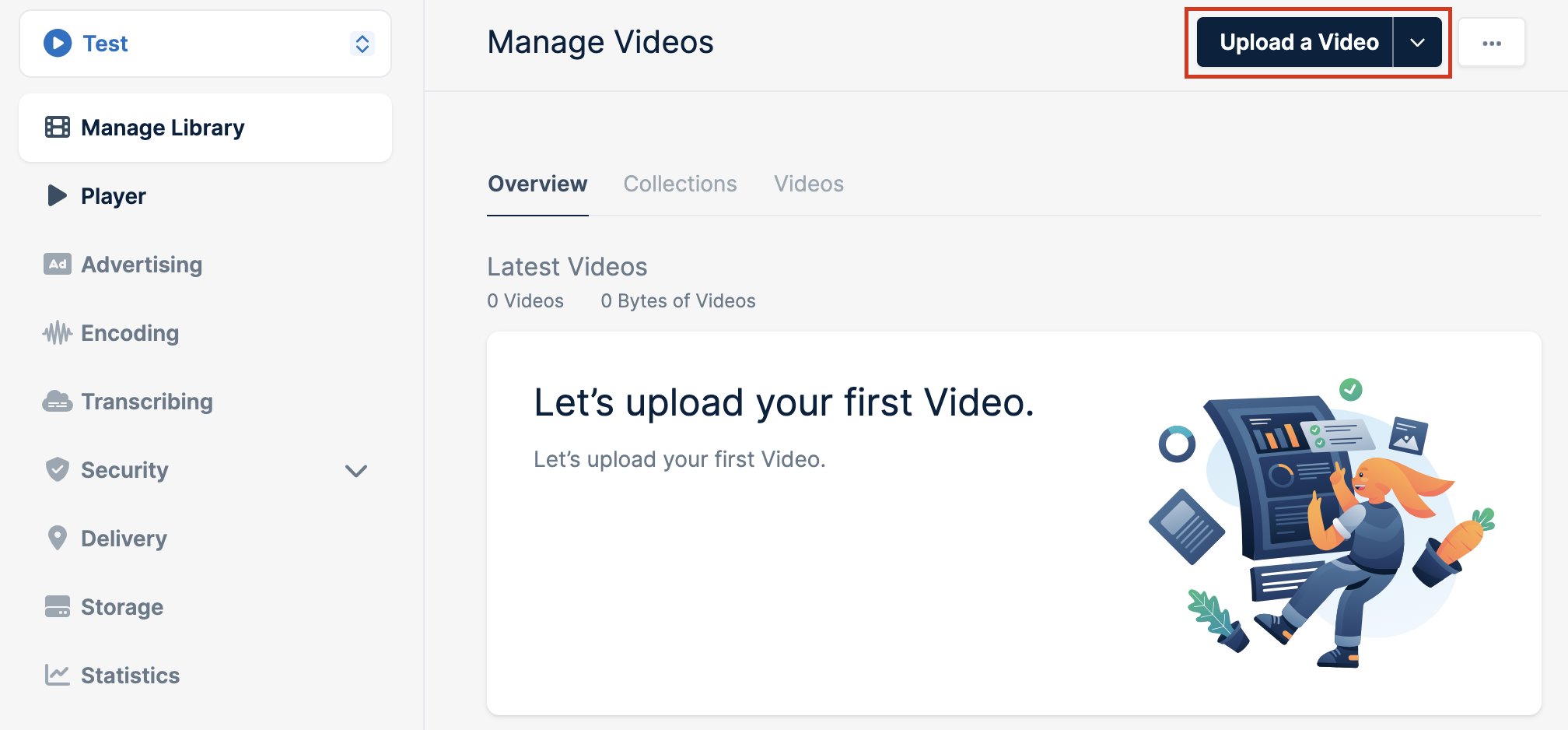
Manage Videos page with the Upload a Video button highlighted
2

Add your file

Drag the file into the dialog or click Browse. The upload starts straight away.
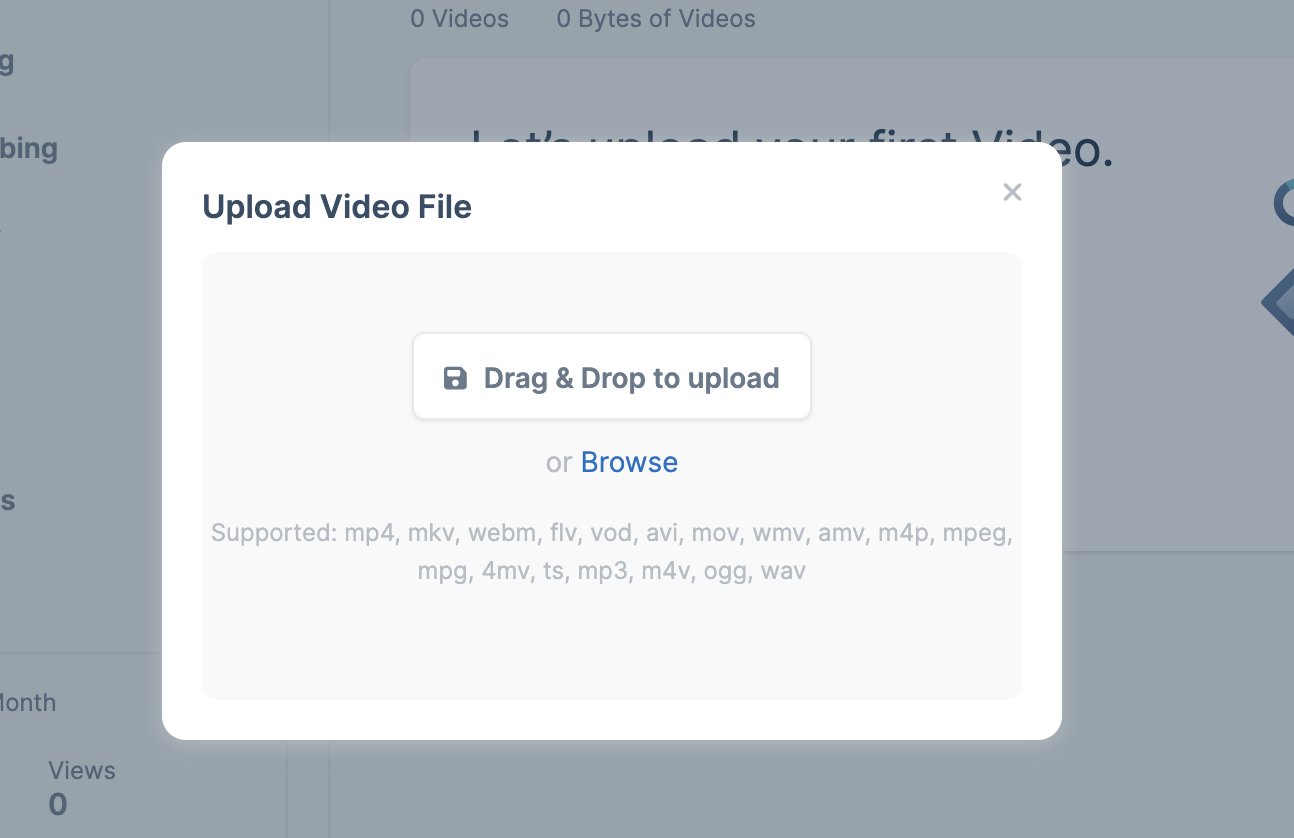
Upload Video File dialog with a drag and drop area and the supported formats
3

Wait for encoding

We encode the video into several resolutions once the upload reaches 100%, so it plays smoothly on any device and connection.
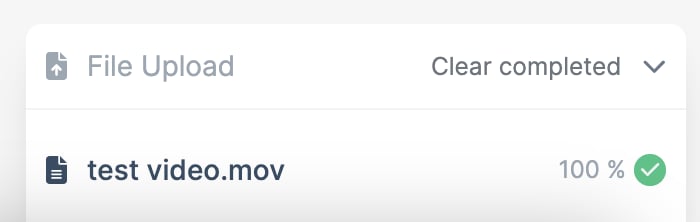
File Upload panel showing a finished upload at 100%

Share or embed it

To share a link, open the video’s menu and click Copy Video Play Url. The link opens the video in Bunny Player.
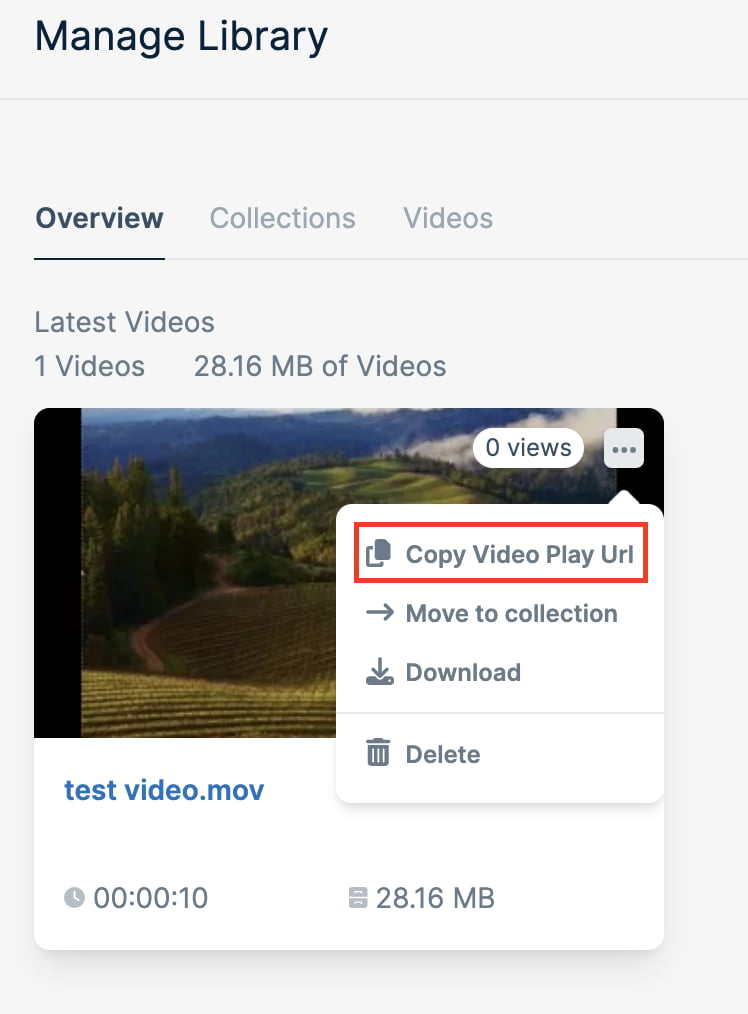
Video menu with Copy Video Play Url highlighted
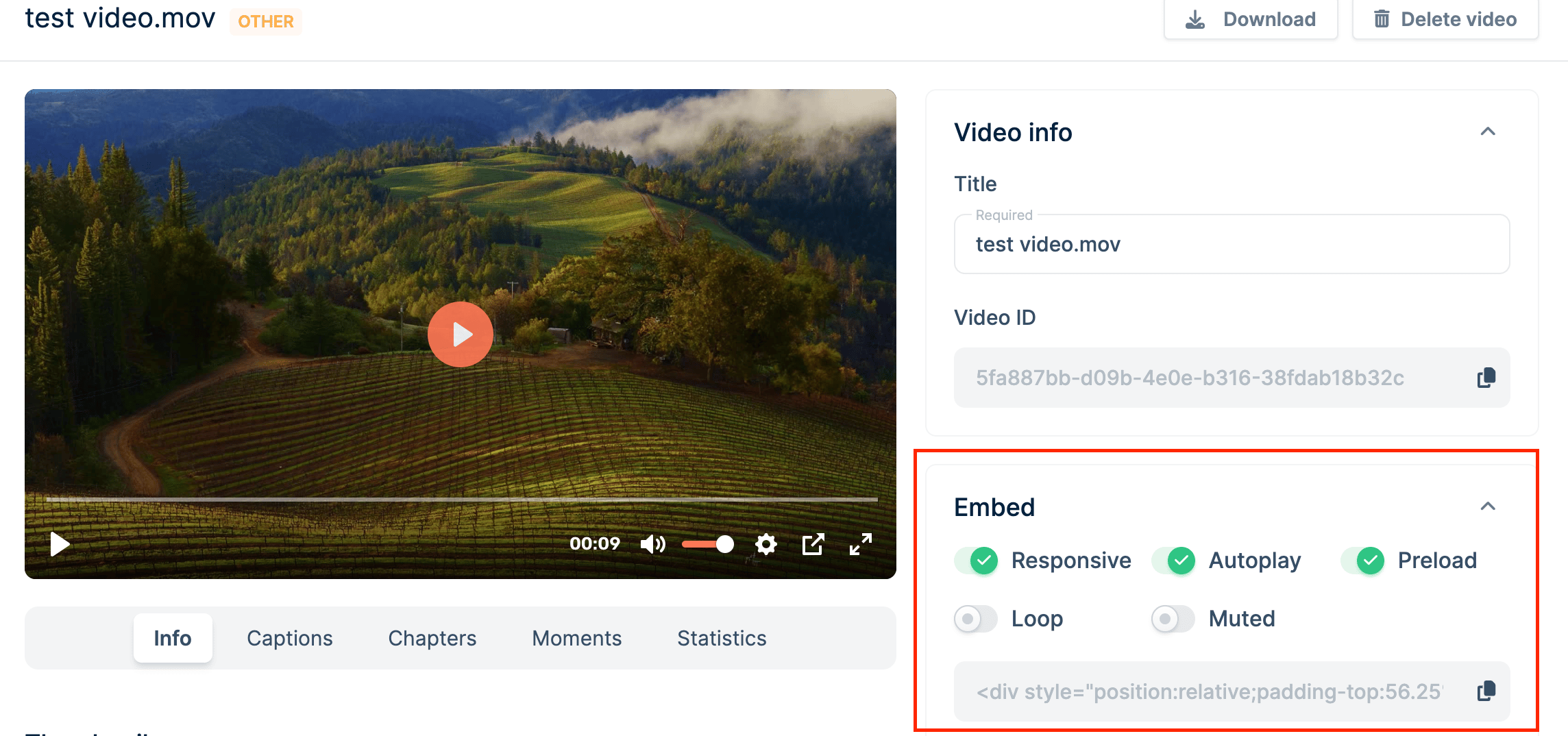
To put the video on your own page, open it and copy the code from the Embed panel. The toggles above it set autoplay, looping, muting, and preloading for that embed.
Video page with the Embed panel highlighted, showing the embed options and code
Paste the code into your page’s HTML where the player should appear. Embedding videos covers every player parameter and the embedding restrictions you can set on a library.

Control the player from your app

Each guide builds a Bunny Player component for your framework, with play, pause, seek, and progress events wired up through player.js.

React

Next.js

Vue and Nuxt

Svelte and SvelteKit

Astro

JavaScript

Last modified on October 6, 2026