Personal details
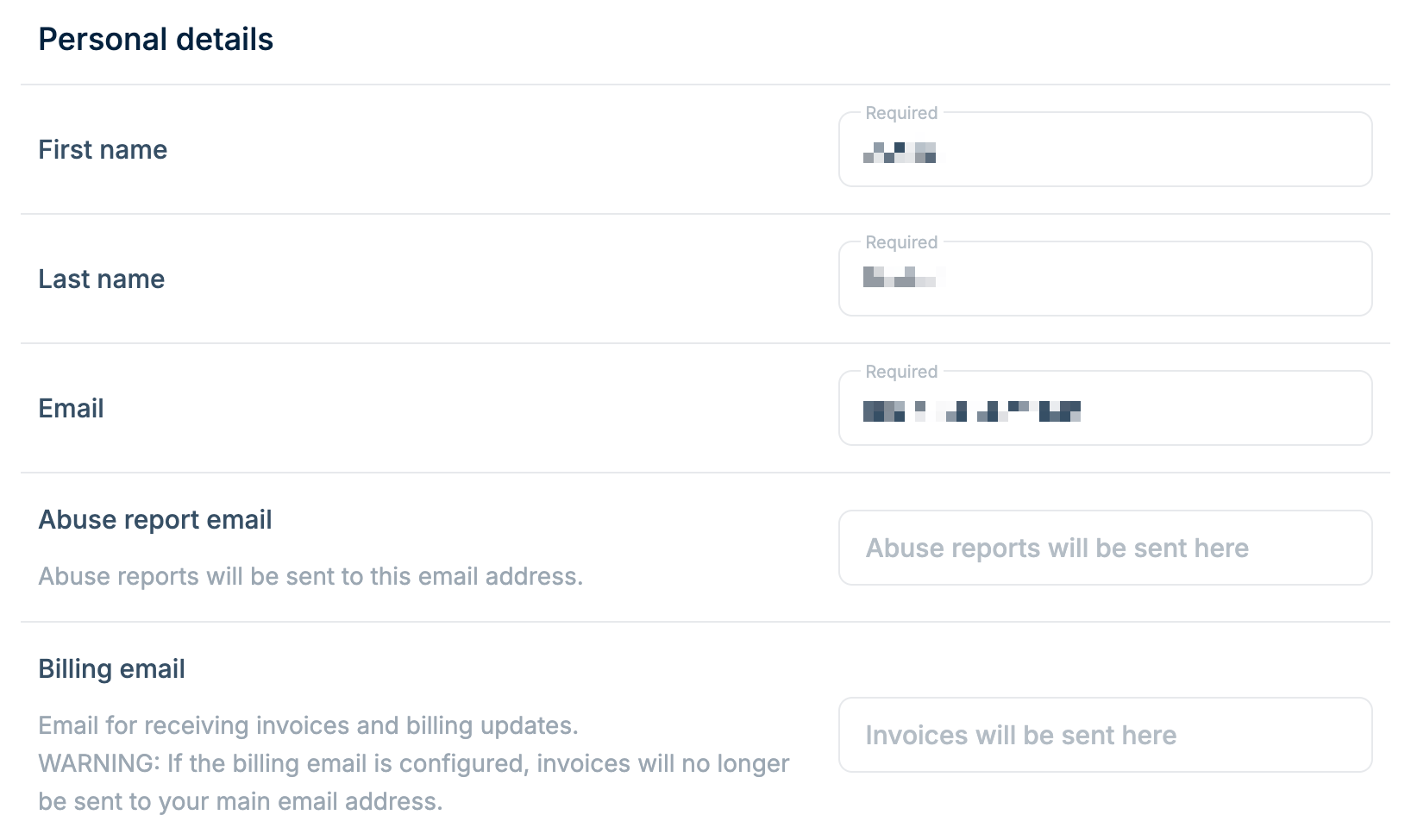
Update your basic account information:- First name (required)
- Last name (required)
- Email (required) - Your primary login email
- Abuse report email - Separate email for receiving abuse reports
- Billing email - Separate email for invoices and billing updates
If you configure a billing email, invoices will only be sent to that address
and no longer to your main email.
Billing address
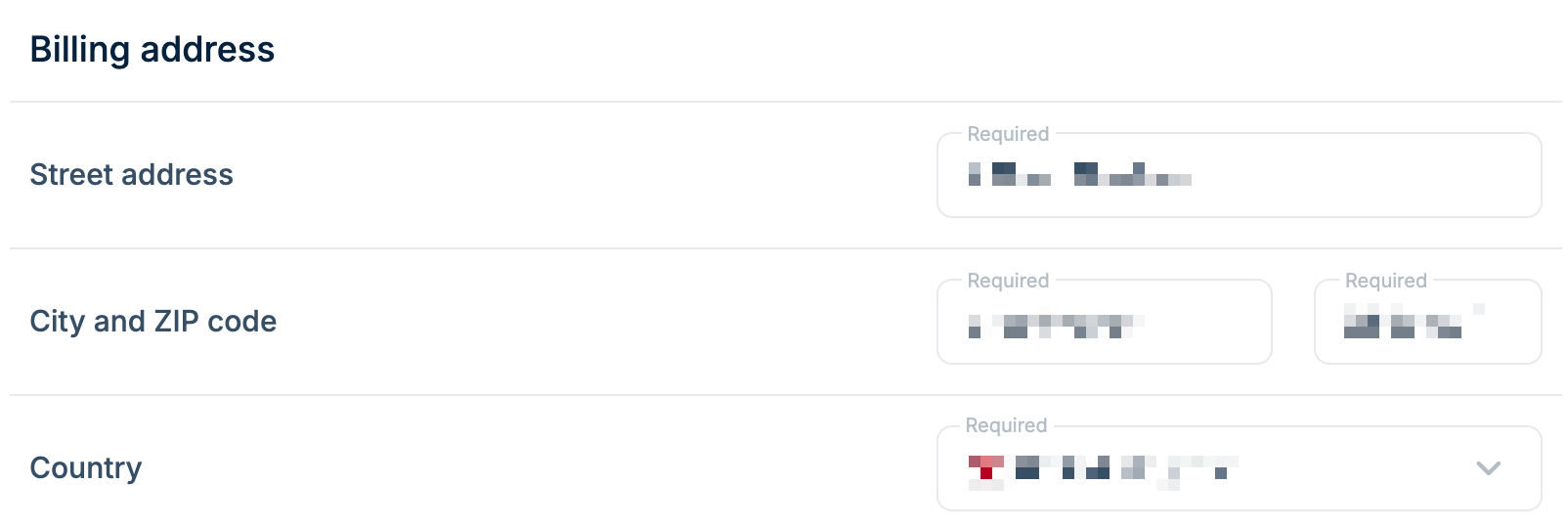
Your billing address appears on invoices. All fields are required:- Street address
- City
- ZIP code
- Country
Address verification
When you enter or update your billing address, we verify it against an international address database before it is saved. This keeps your invoices valid and ensures we apply the correct tax rate. We check that the address is real and that its parts are consistent with each other. If an address cannot be verified, it is not saved and you will see an error describing what did not match.If your address is correct but still cannot be verified, contact
support and we will review it manually.
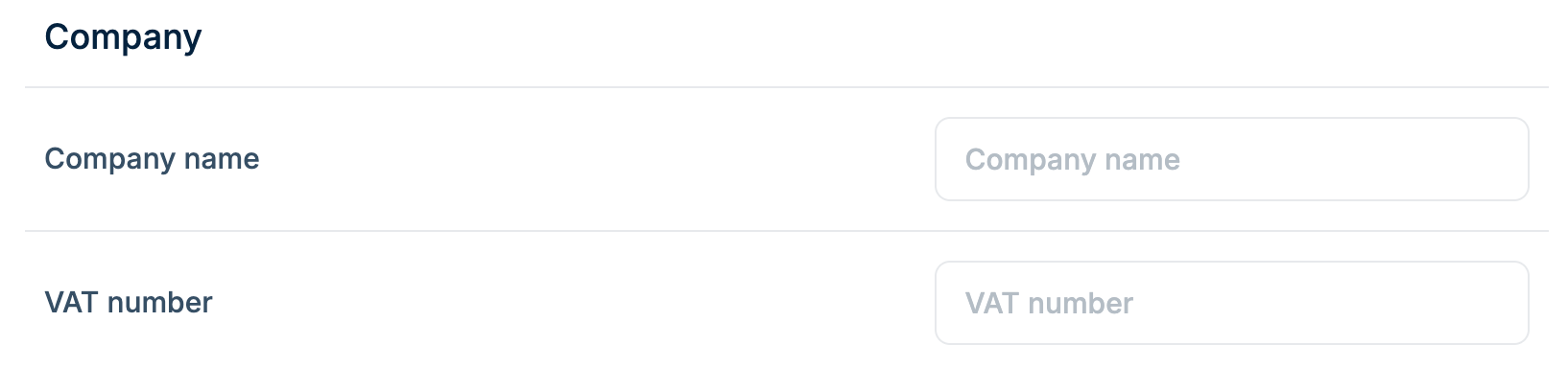
Company
Optional fields for business accounts:- Company name - Appears on invoices
- VAT number - For EU VAT-registered businesses