

Change your theme
1
Go to Account Settings
Navigate to Account Settings in
your dashboard.
2
Find the Appearance section
Scroll to the Appearance section.
3
Select your theme
Click the light or dark mode icon to switch themes.
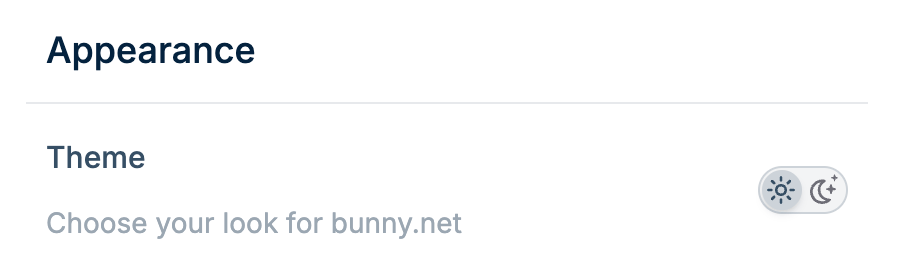
Choose between light and dark mode for the bunny.net dashboard.
Go to Account Settings
Find the Appearance section
Select your theme