Accessing the deployments view
To view your deployments:- Log in to the bunny.net dashboard.
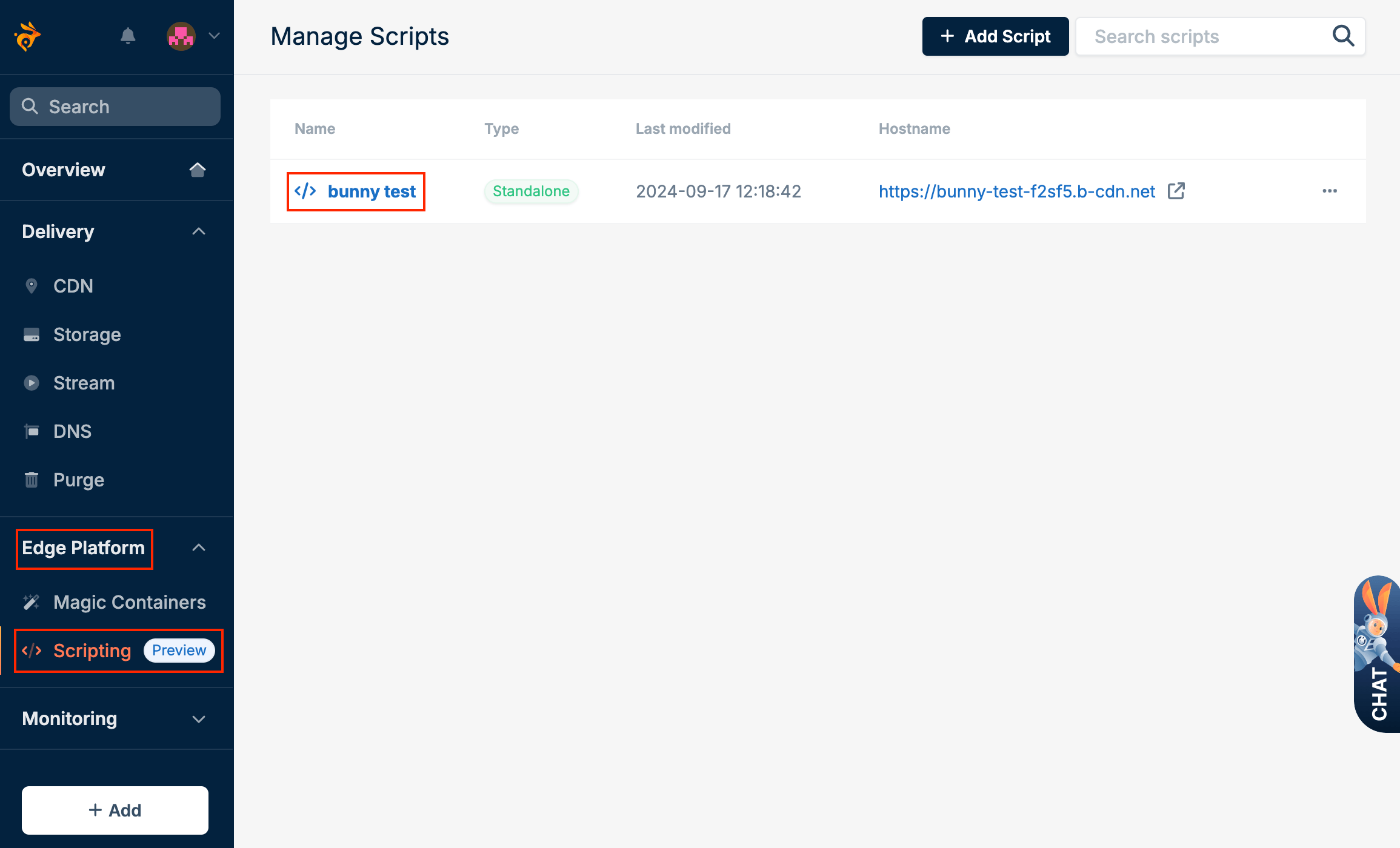
- Select Edge Platform, click on Scripting, and select the script.
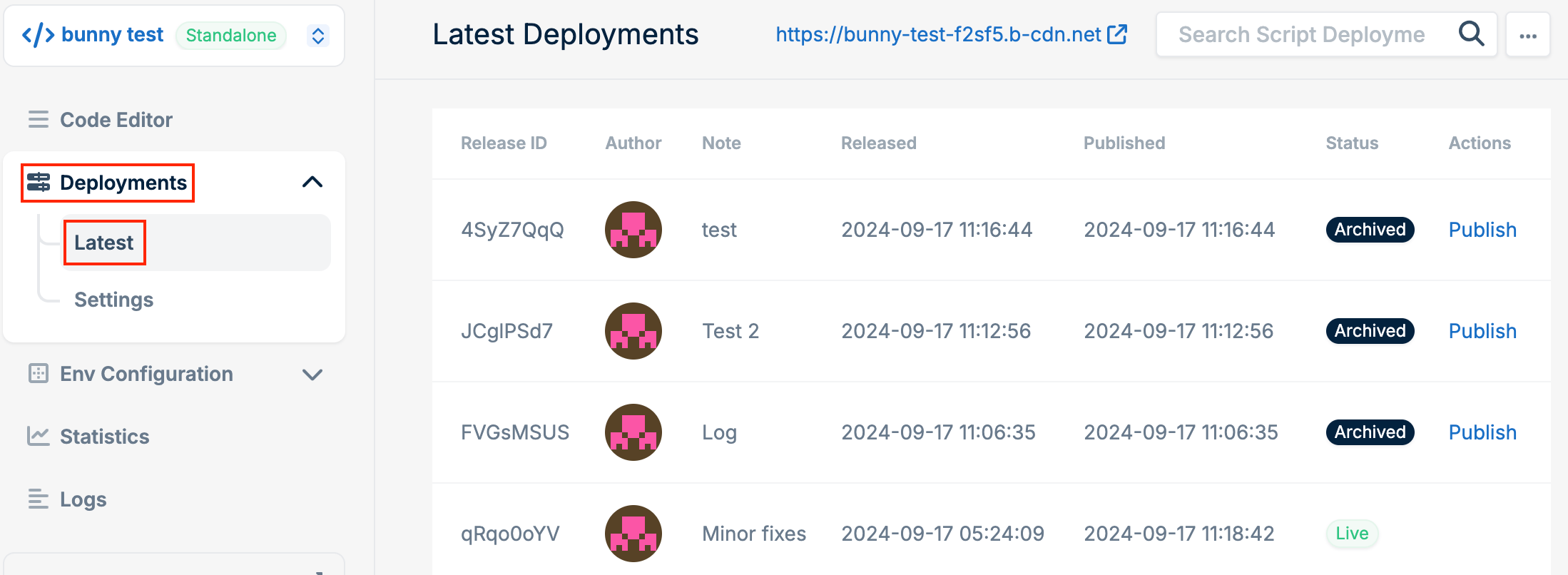
- Open the Deployments tab and select Latest.
Publishing previous deployments
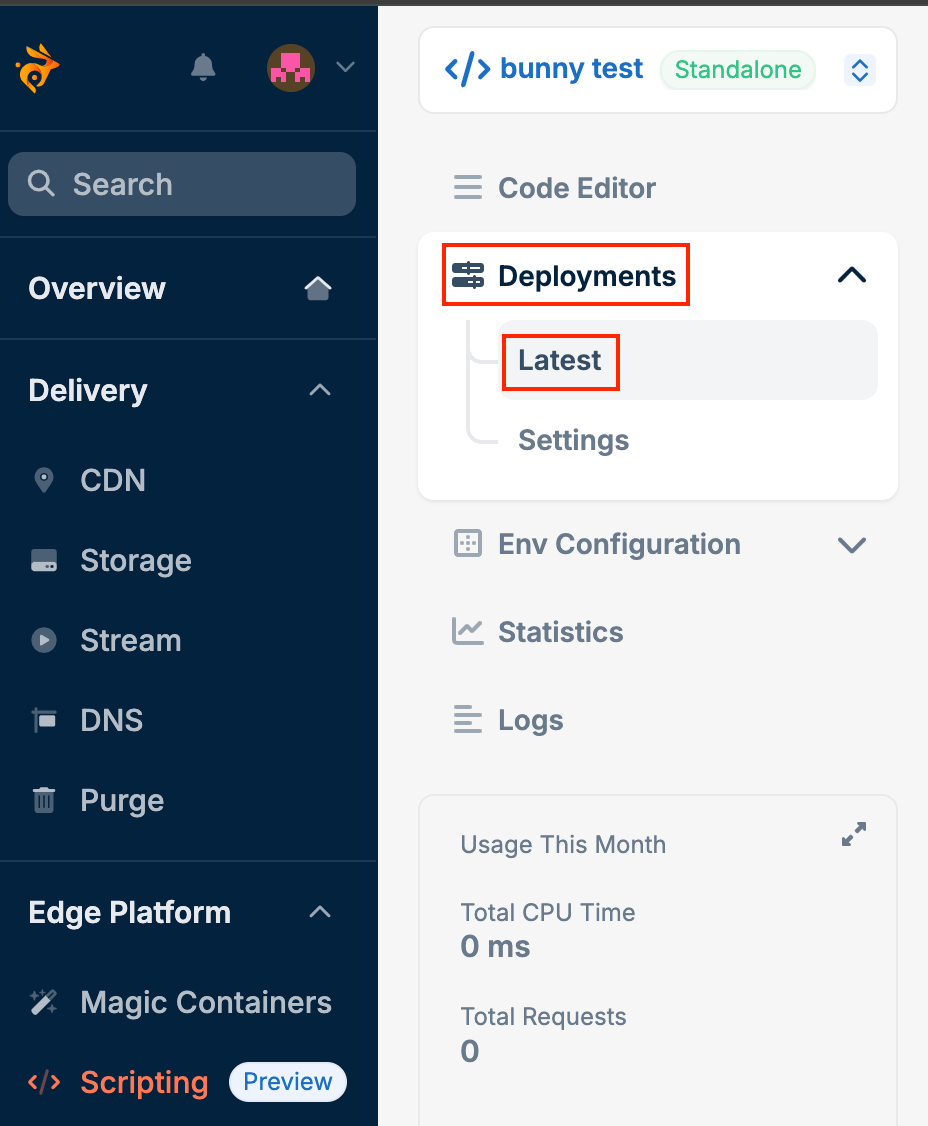
To revert to an earlier version:- Open the Deployments tab and select Latest.
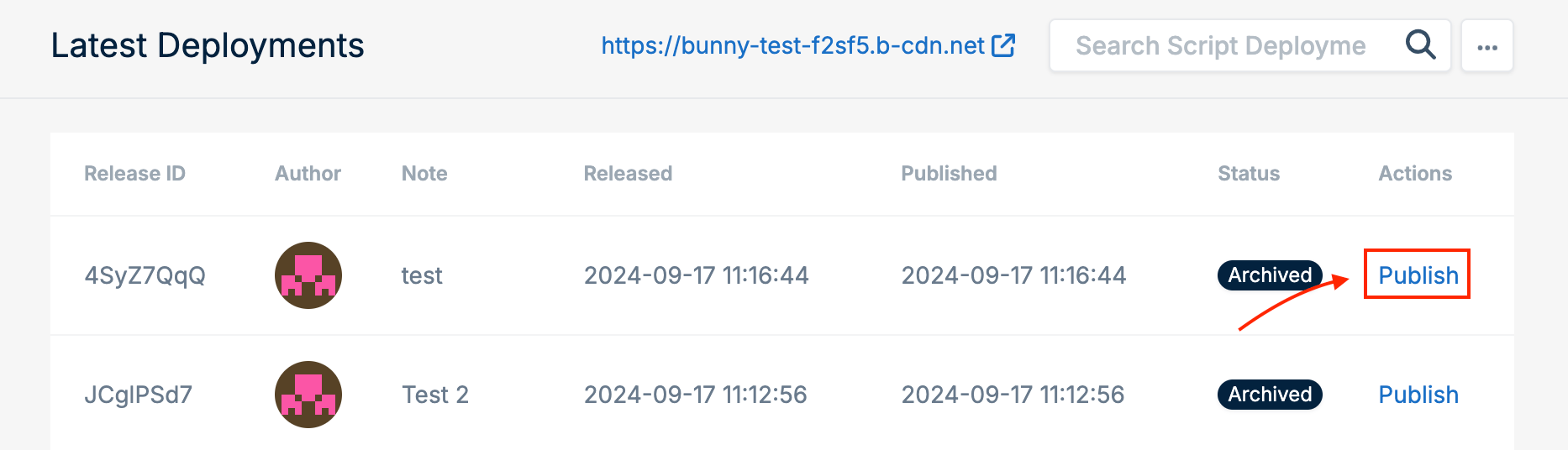
- Click Publish next to the version you want to deploy.