
Skip the setup with full-stack templates on Magic Containers

Jamie Barton

March 10, 2026
You already know what you want to build. Finding the Docker image isn’t the problem… it’s everything after: the database, the volumes, the environment variables, and the networking. That’s what turns an afternoon into a weekend.
Templates for Magic Containers wire all of that up before you start. The setup shouldn't slow you down, and bunny.net shouldn’t just be the CDN you bolt on at the end; it should be where you build from the start.
Introducing templates for Magic Containers
The templates directory is a collection of pre-built full-stack configurations for Magic Containers. Each template comes with everything already configured:
- Application container
- Database sidecar
- Persistent volume
- Environment variables
- Internal networking
- CDN endpoints
You choose a template, review the configuration, adjust any settings, and deploy. If you’ve been meaning to try Magic Containers but aren’t sure how to configure everything, templates make it easier to see how it all fits together.
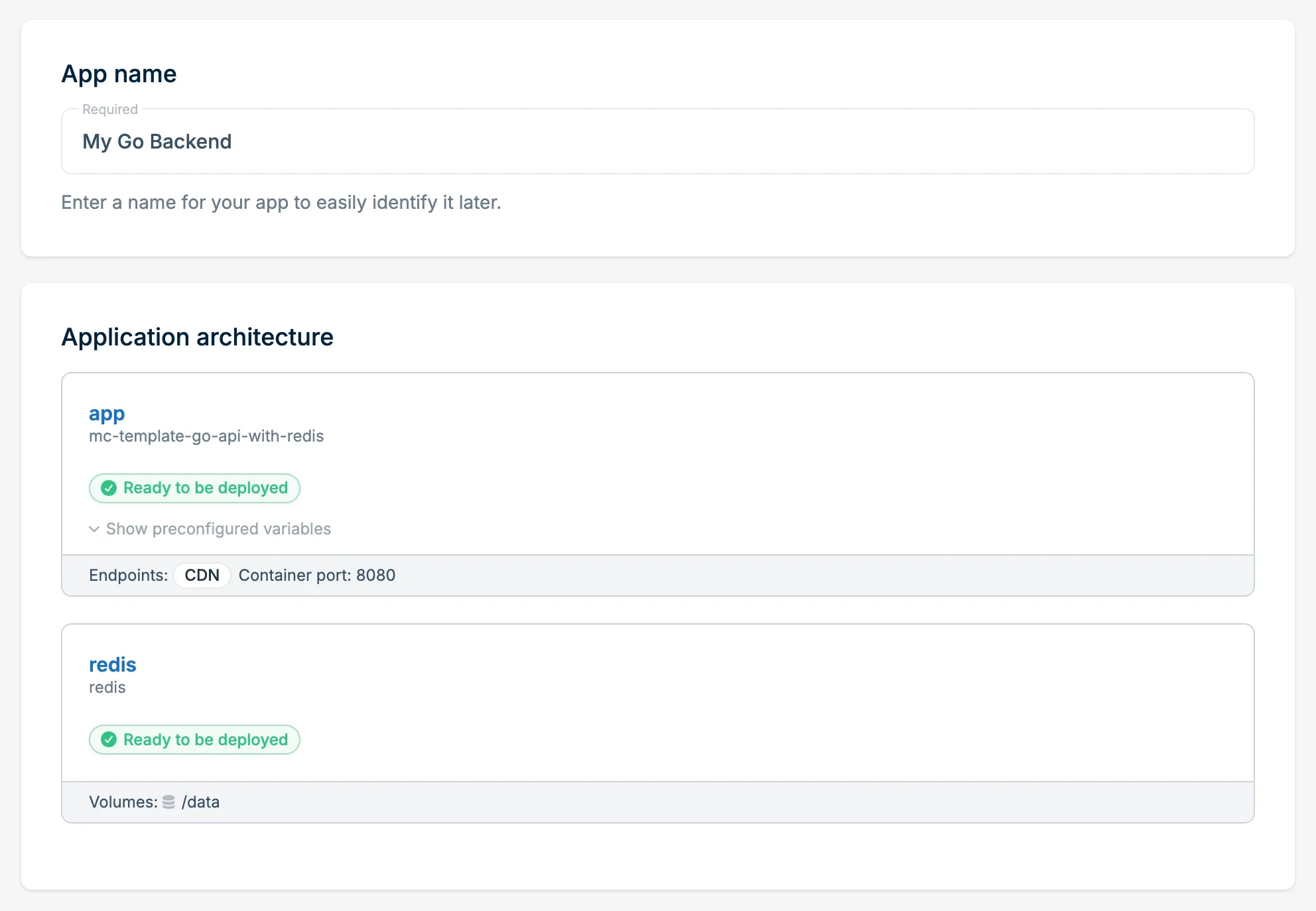
Whether you’re shipping a workflow backend, a content platform, or a data API, the directory covers the stacks developers actually reach for:
- n8n with Postgres for workflow automation
- Umami Analytics with Postgres for privacy-focused web analytics
- WordPress with MariaDB
- Next.js with Postgres
- Rails, Laravel, Django, Flask, Go with databases
- Hono with DuckDB
- Vite + React with Nginx
We are adding more regularly. If there is a stack you would like to see or one you want to contribute, join us on Discord.
What a template gives you
Setting up from scratch means creating the application, pulling containers from a registry, wiring up a database, attaching volumes, configuring environment variables, and exposing endpoints. It's not hard; it’s just friction.
A template removes that friction. The containers are already wired together, storage is attached, environment variables are set, and the database is reachable over localhost. Review the config, adjust what you need, and deploy. The whole stack comes up together.
Eject to GitHub
Templates are a starting point, not a commitment. If you want full control over the code, eject the project to your own GitHub repository and take it from there.

Once ejected, the repo is yours. You can modify the Dockerfile, change the stack, and control the code.
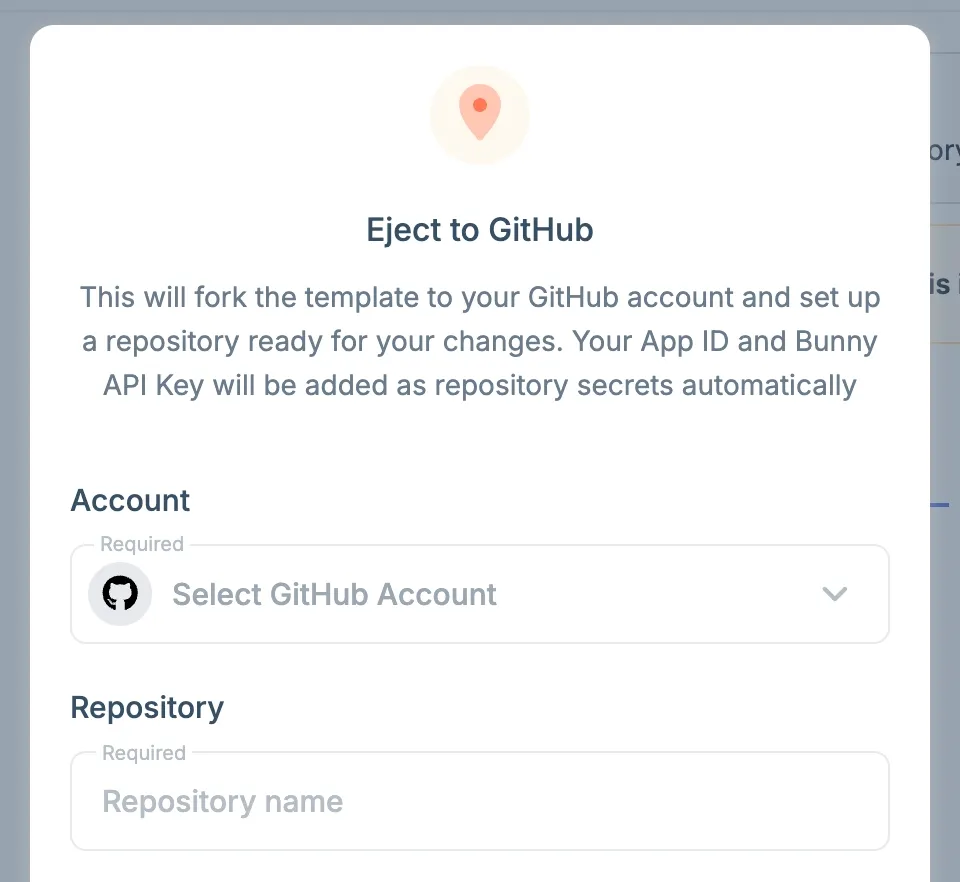
Push a change, and your image builds through GitHub Container Registry. Magic Containers redeploys the updated image automatically with the GitHub Action that’s preconfigured in each template.
You get the same CI/CD workflow you would configure yourself, without the initial boilerplate.
Where we’re heading
Templates solve the setup problem, but the bigger goal is making bunny.net a platform you can build on, share from, and automate.
We’re building the Magic Deploy button, a one-click deploy button that lets you add to any repository README or project page. Anyone can click it and deploy the stack directly to bunny.net, even without an account. The full configuration is prewired and deploys directly from source code.
We’re also building a CLI for the bunny.net developer toolkit. It's one of many developer tools designed to help you manage databases, edge scripts, storage buckets, and Magic Containers apps from the terminal.
The goal is to make bunny.net easier to build on. Templates when you want a head start, eject when you want control, one-click deploys when you want to share, and a CLI to tie it all together.
Try it
Templates are available now in the bunny.net dashboard. Choose a template, deploy a full-stack app in seconds, and eject to GitHub when you’re ready to take it further. This is what building on bunny.net looks like, and we’re just getting started.
If there is a template you would like to see added or one you want to contribute, join the discussion in our Discord.